I like to collect different packages that look nice. I use it sometimes for a starting point when I need to create something similar. The use of the colors, the shapes, the fonts – everything intrerests me, so I collect some:
https://photos.app.goo.gl/Lhm7Pn7UFJsUtM3H8
I have to go to each one of the images and remove the background – so, they look better.
Also I started working on the book cover of the books (it should be similar since is a sequence)
I am trying to choose the title first
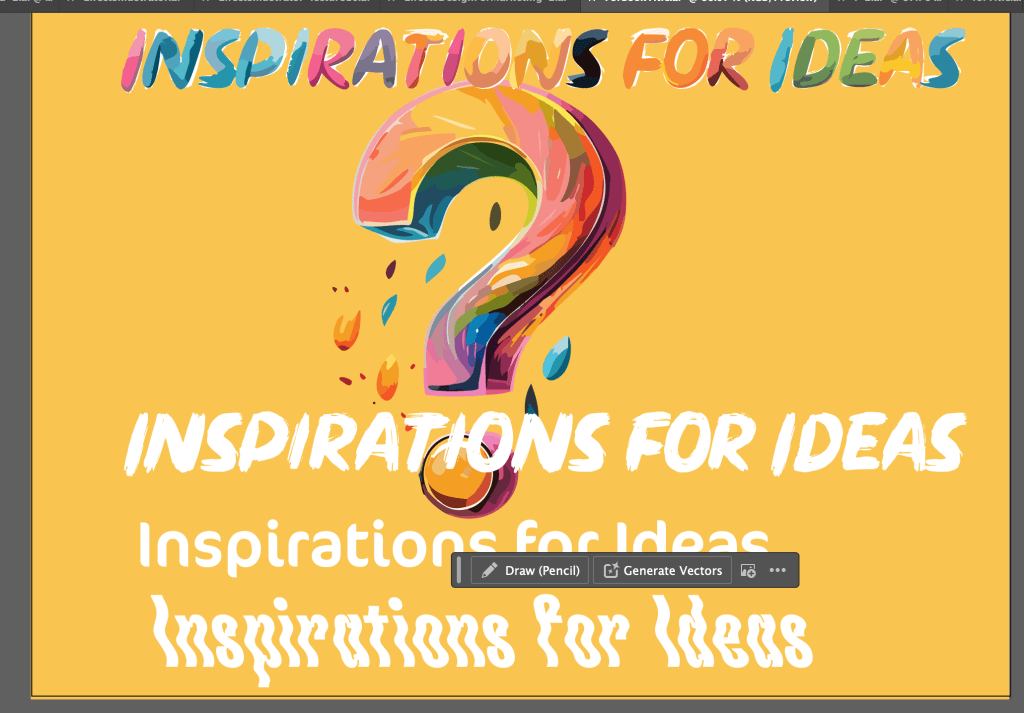
Looking at 3 fonts so far – CS Lachen Reverse, CoconPro and Dirty Brush. Also I converted the type to a shape and then use the fill command to create different colors.
I am working also on the color palette

I try to change the background of the Antics book – I added another image – send it to the back and reduce the opacity – I think is better . I try to change the font but I didn’t like it and then I changed it back to CoconPro
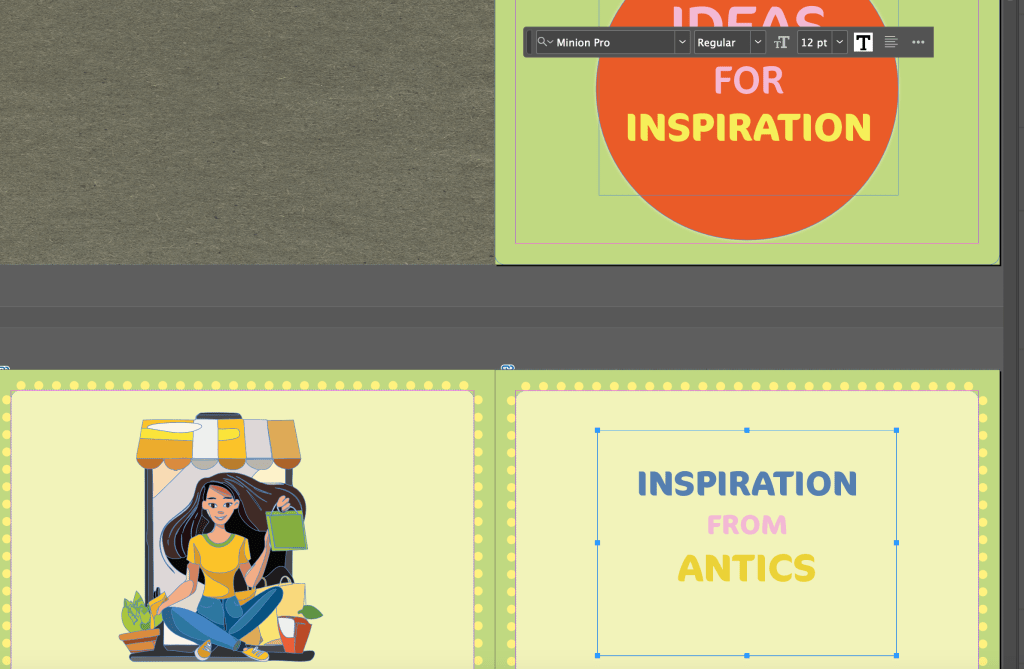
Here the link for the Antics document
https://indd.adobe.com/view/038a1615-624d-441b-a9f0-f9a464d7f794
I can also export it to AdobeExpress https://new.express.adobe.com/id/urn:aaid:sc:US:b6ec99cb-52ec-4ec6-8356-602d6bc49687?invite=true&accept=true&promoid=Z2G1FQKR&mv=other
https://indd.adobe.com/view/bc24aad1-47eb-4a73-994b-7e5d991aace6
This is the link for the traveling ideas.
https://indd.adobe.com/view/3c119031-0782-4a78-ad0a-cf16bca93b3a
This is the link for the Book Covers document.
https://drive.google.com/drive/folders/15YfXc1OPD3n9hCyFOSgV3u29r9BUXzun?usp=drive_link
In this folder are the images without background.
https://drive.google.com/drive/folders/1BhMzAgUdDCO46ZAitJMXJoojWm7f3gE6?usp=drive_link
I am still working on the next book – witch will include inspiration from going to the supermarket and exploring the package designs, greeting cards, labels, menus and many more.
So far I have this:
I was working the last 2 days on the book about the personal library- it was taking me a lot of time because I had to take a picture of the books, and some pictures from the inside. Then take it to he Photoshop to remove the background and then put them in InDesign. But was fun – I have a lot of books and they are so interesting.
here the file with all the images I used
https://drive.google.com/drive/folders/1ZgxRjOj_l0BeAHJMYo4H6KvmmVhCLu4M?usp=drive_link
 Vicky Kafkaki - Graphic Design MA Falmouth University